
v0.1.4
Features and limits
DesktopDiscovery + downloads
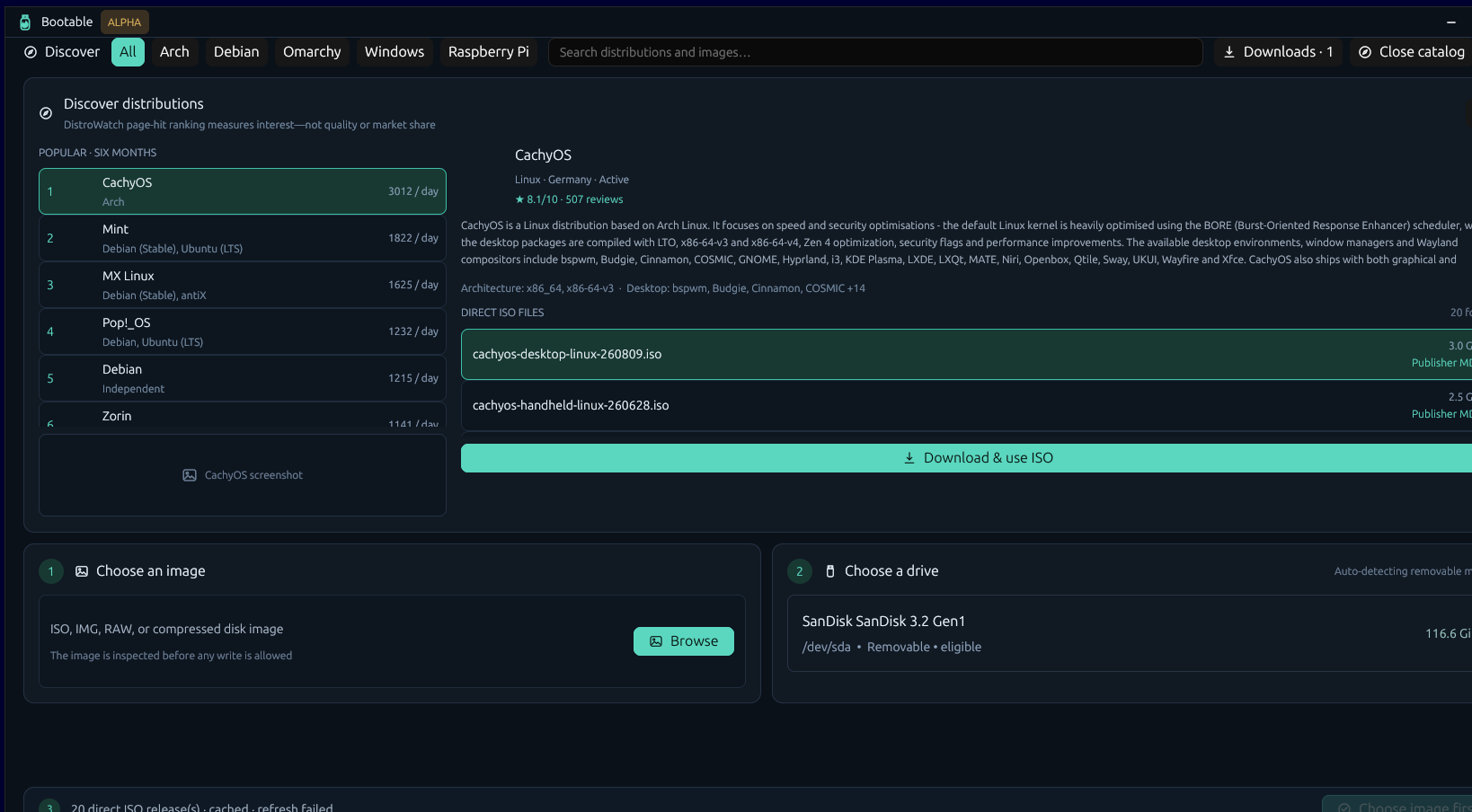
01 · Discovery
Catalogs and downloads
- DistroWatch catalog
- Search releases by popularity, Arch, or Debian.
- Other catalogs
- Browse Omarchy and Raspberry Pi images.
- Local images
- Open ISO, IMG, RAW, or supported archives with native dialogs.
- Downloads
- Queue, pause, resume, cancel, and retry downloads.
- Partial downloads
- Resume supported transfers and keep download history.
- Publisher checksums
- Block files that fail a publisher checksum.
- No checksum
- Label the download HTTPS-only.
- Catalog cache
- Cache results for 30 minutes. Use stale data if refresh fails.
DesktopSource + target
02 · Plan
Source and drive checks
- Seven source formats
- ISO, IMG, RAW, XZ, gzip, Zstandard, and bzip2.
- Expanded size
- Measure compressed images before checking drive capacity.
- Whole drives
- Accept only whole USB or removable drives.
- Drive refresh
- Rescan while idle. Lock the drive list while writing.
- Rejected drives
- Reject fixed, read-only, system, and undersized drives.
- Write review
- Show the source, drive, method, operations, and data loss.
- Confirmation
- Require approval for the selected drive and plan.
- Identity recheck
- Find the drive again by stable ID before writing.
- Administrator access
- Elevate only the fixed write helper.
TUIWrite + drive tools
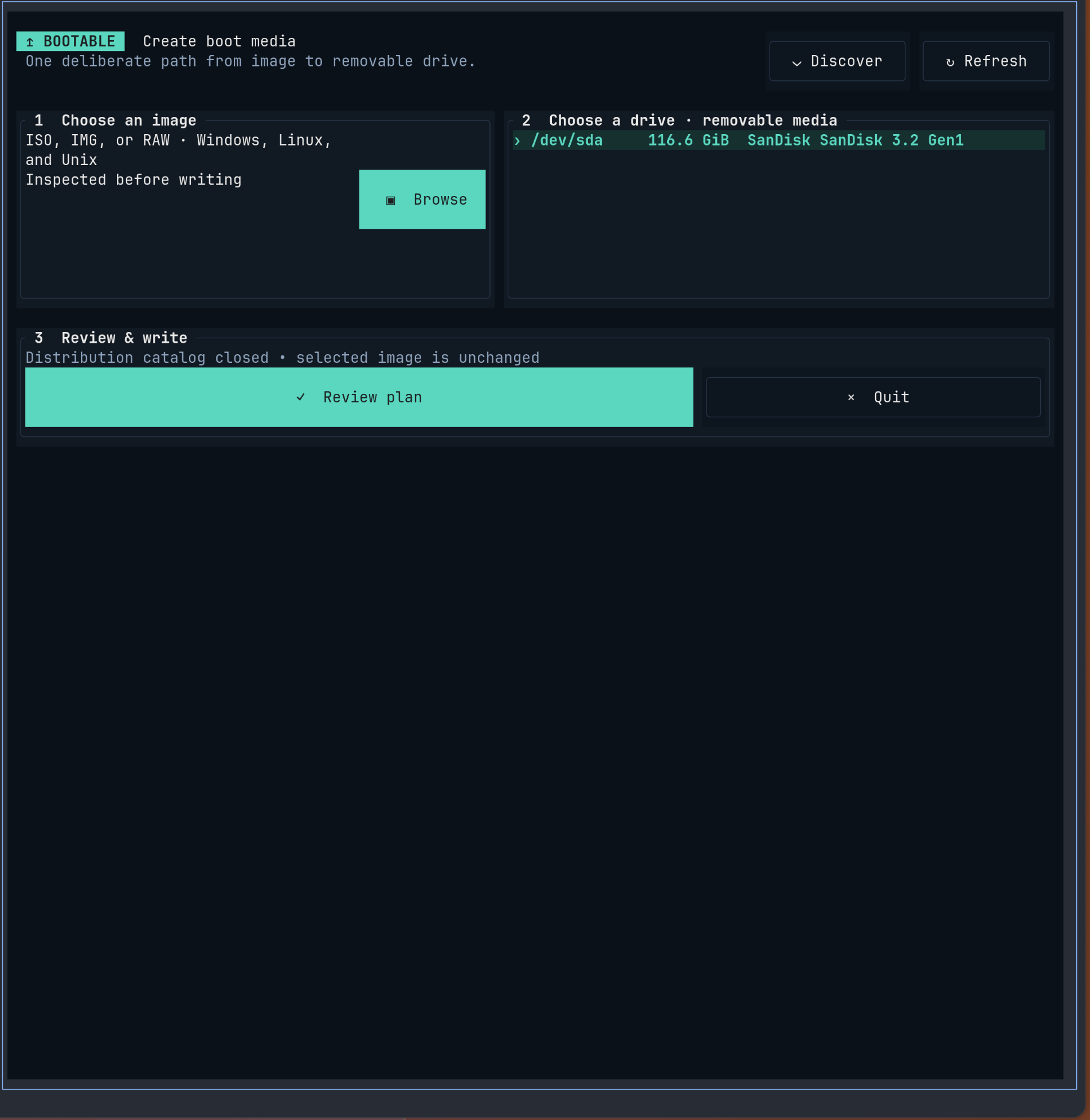
03 · Write
Raw writing and drive tools
- Raw images
- Write ISO, IMG, and RAW files directly.
- Compressed images
- Write XZ, gzip, Zstandard, and bzip2 without extracting them first.
- Read-back
- Read the written range and compare SHA-256.
- Cancellation
- Stop at a safe boundary and mark the drive incomplete.
- Progress
- Show phase, bytes, speed, ETA, verification, and safe removal.
- Bad-block checks
- One, two, or four destructive patterns on Linux.
- Fake-capacity checks
- Test the full drive on Linux. This erases the drive.
- Drive backup
- Create RAW, IMG, or DD backups on Linux and macOS.
TUIWindows + Raspberry Pi
04 · Windows installers
FAT32 Windows media
- GPT or MBR
- Create a FAT32 partition for UEFI setup.
- UDF sources
- Read UDF-only Windows ISOs with 7-Zip.
- WIM splitting
- Split oversized
install.wimfiles for FAT32. - Source checks
- Reject missing boot files, collisions, and oversized files.
- Media checks
- Check UEFI files, payloads, WIM parts, and FAT32 limits.
- Setup options
- Configure hardware, account, region, privacy, BitLocker, and policy options.
- WIM tools
- Use DISM,
wimtools, orwimlib. - Firmware
- UEFI only. Legacy BIOS is not supported.
DesktopFilters + search

05 · Interfaces
GUI, TUI, and CLI
- Desktop app
- Mouse controls, native file dialogs, and background tasks.
- Terminal app
- Keyboard and mouse controls with the same write and drive tools.
- CLI
- Inspect images, list drives, review plans, and run supported operations.
- GUI and TUI
- Use the same labels, plans, progress, errors, and options.
- Linux
- Supports backup, Windows media, and drive tests.
- Windows
- Supports raw images and Windows media.
- macOS
- Supports raw images, backup, and Windows media.
- Developer tests
- Includes QEMU/OVMF boot tests and a loop-device write test.
Limits
Not supported
- Platform code signing and macOS notarization
- Legacy BIOS helpers for constructed Windows media
- Linux persistence and persistent multiboot
- Windows To Go
- DOS and FreeDOS media
- VHD, VHDX, and FFU backup
- OpenPGP or minisign publisher verification
- Localization
- General-purpose FAT, NTFS, UDF, exFAT, or ext formatting
- Official ISO and UEFI Shell downloads
- Silent unattended installation